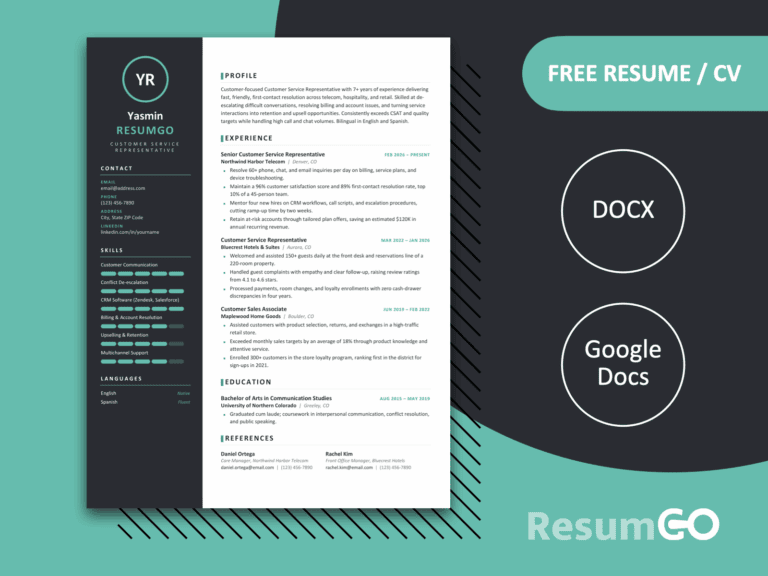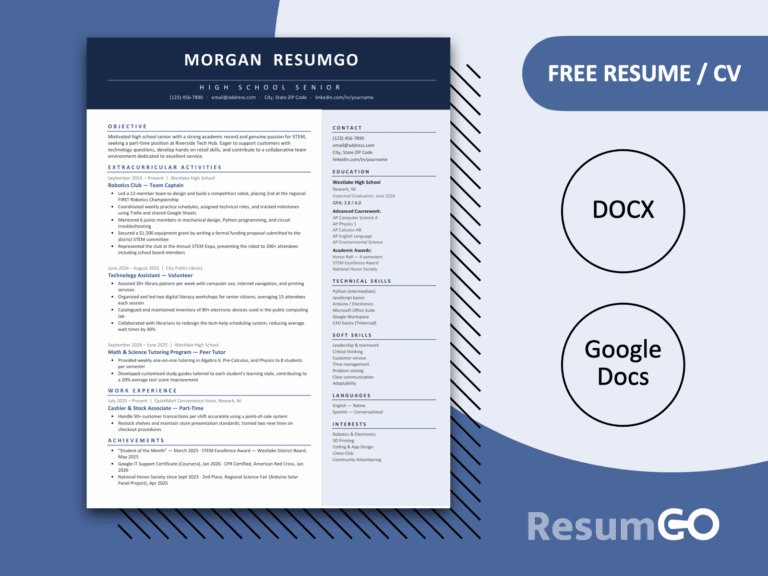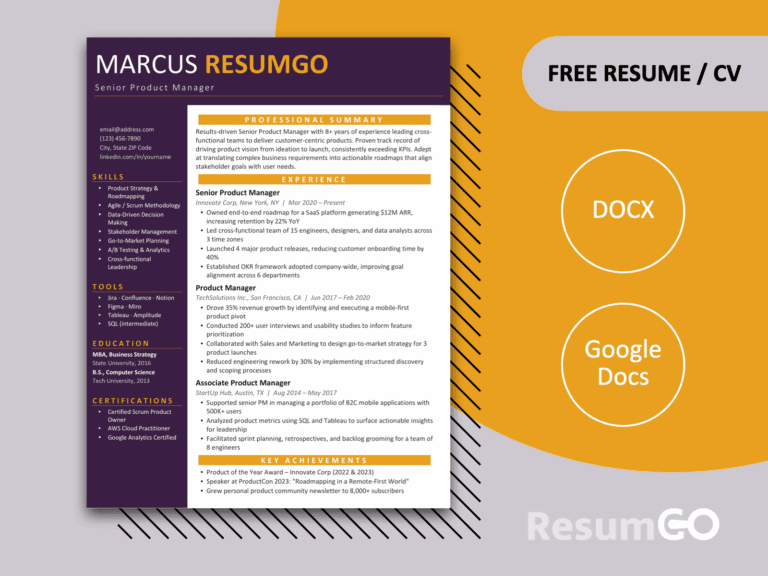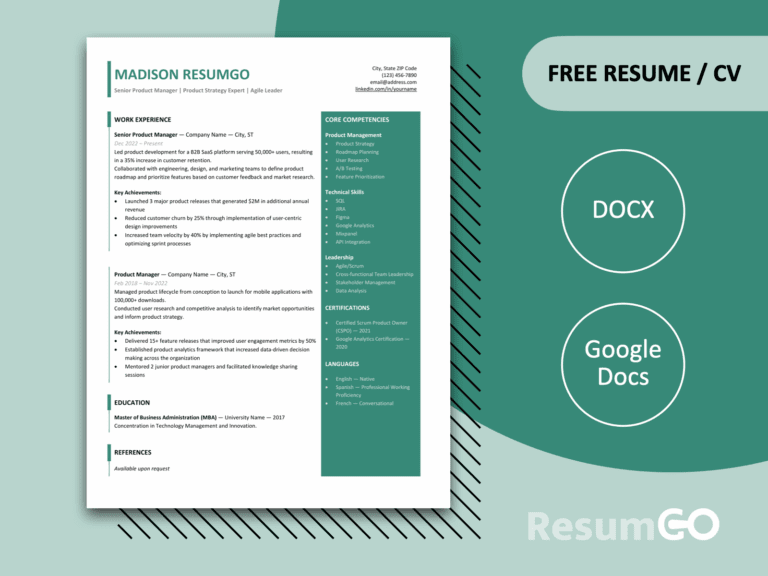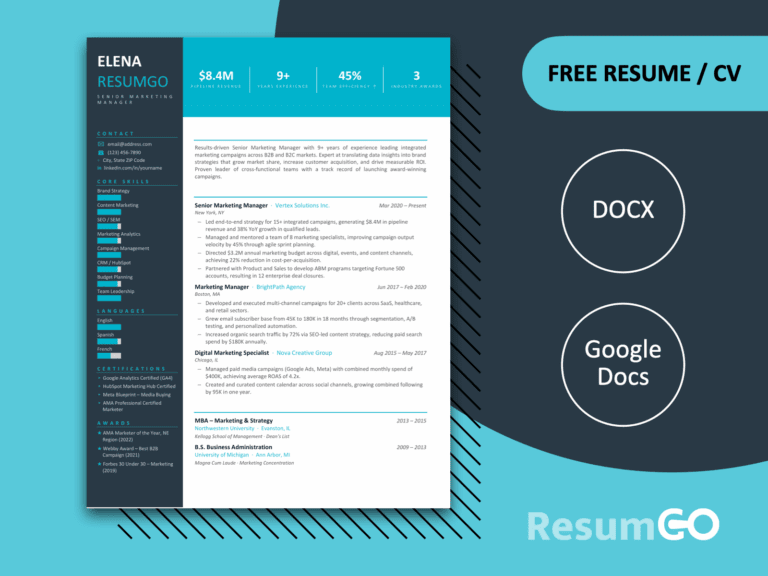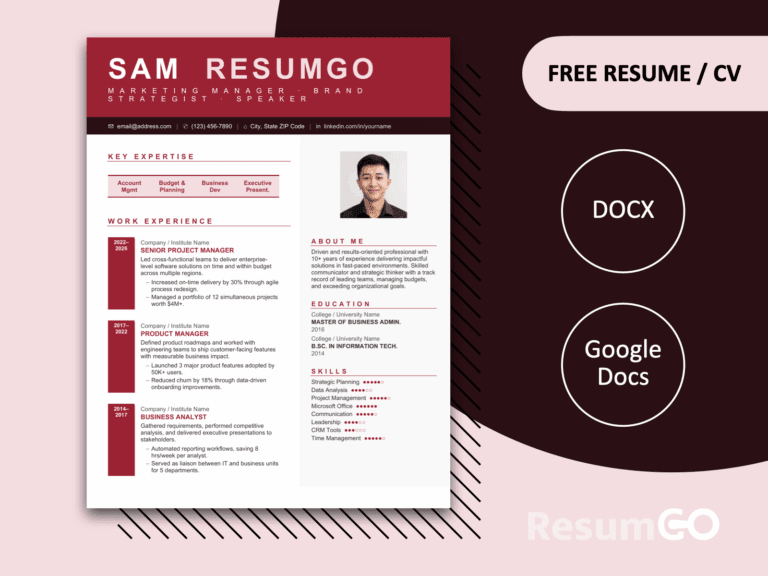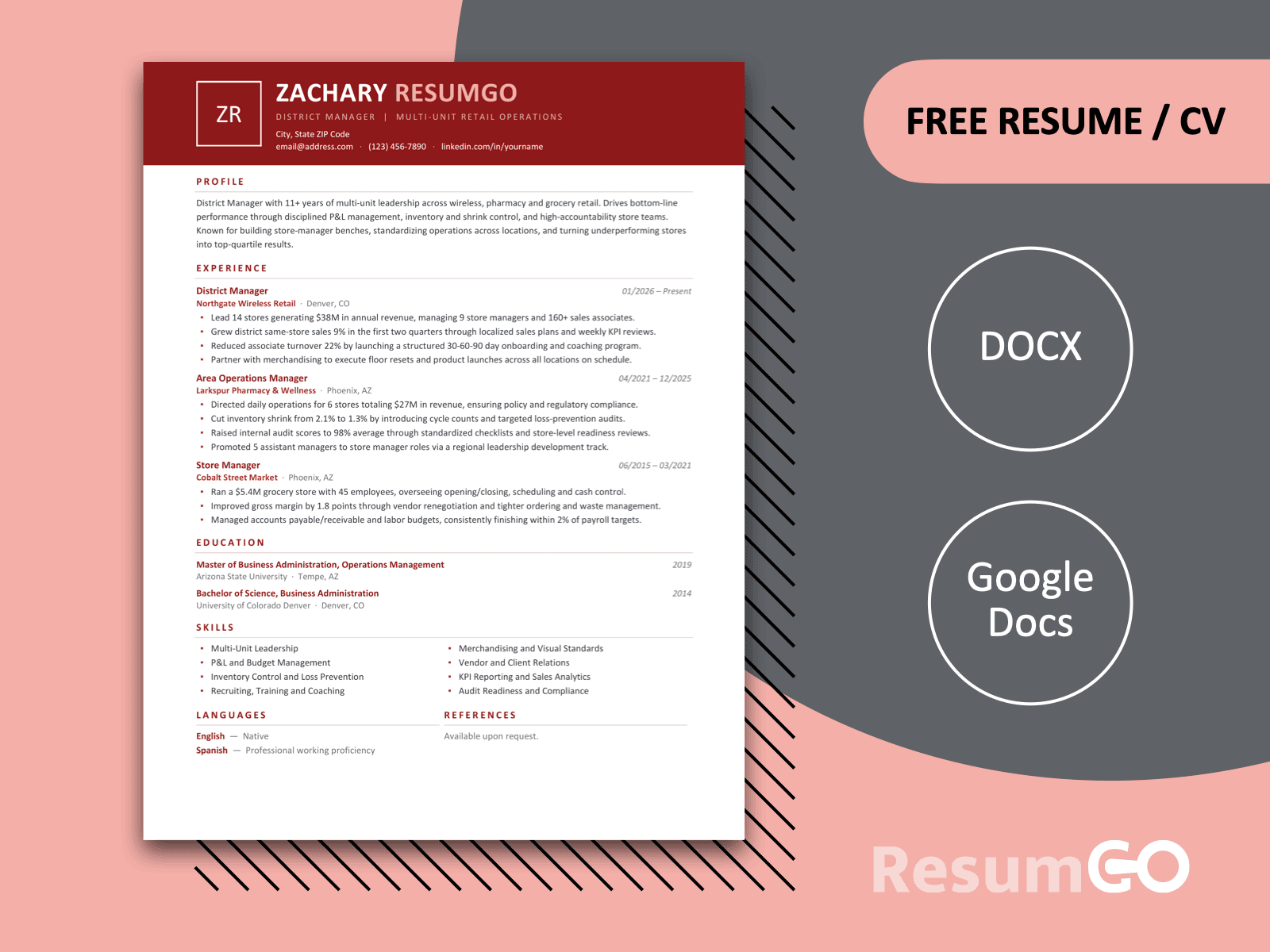
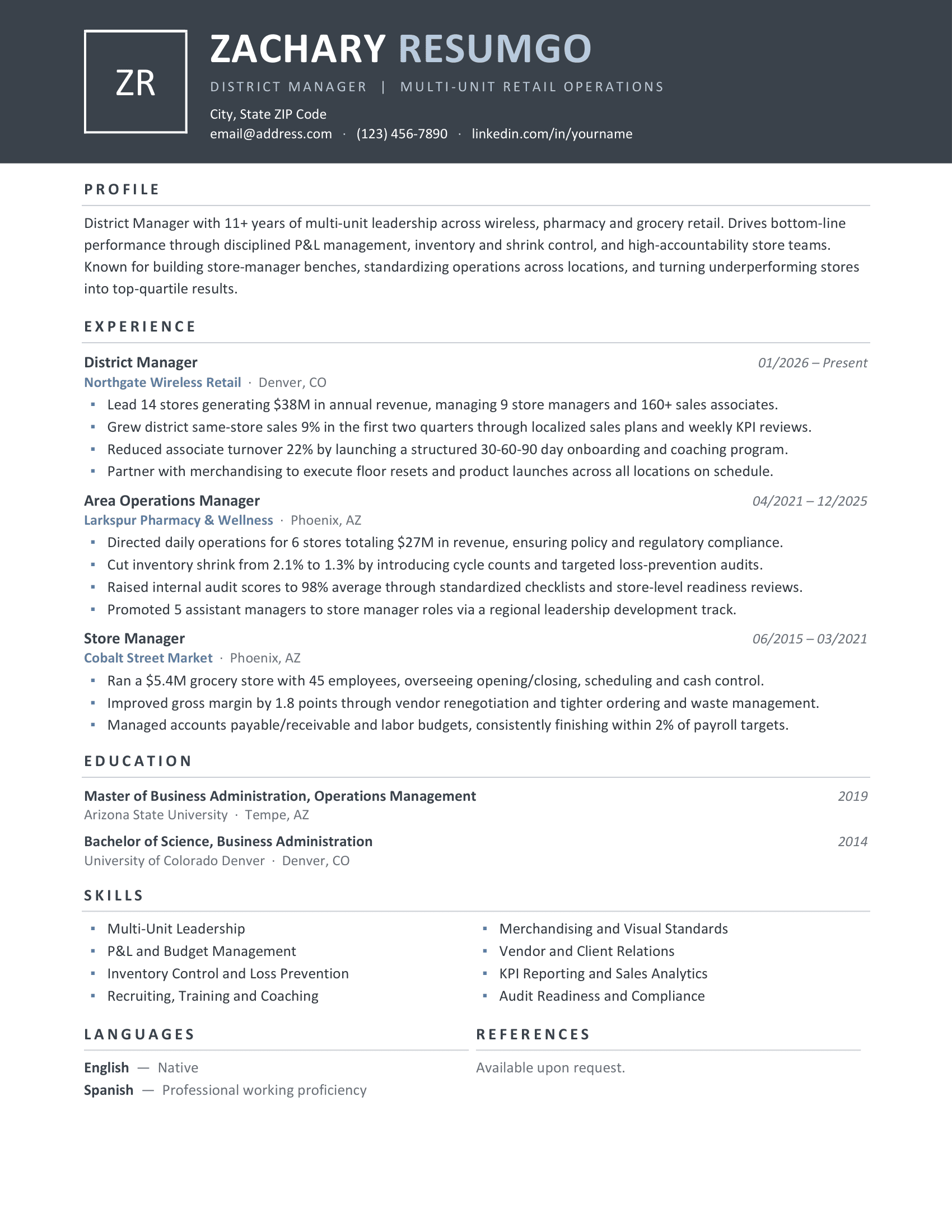
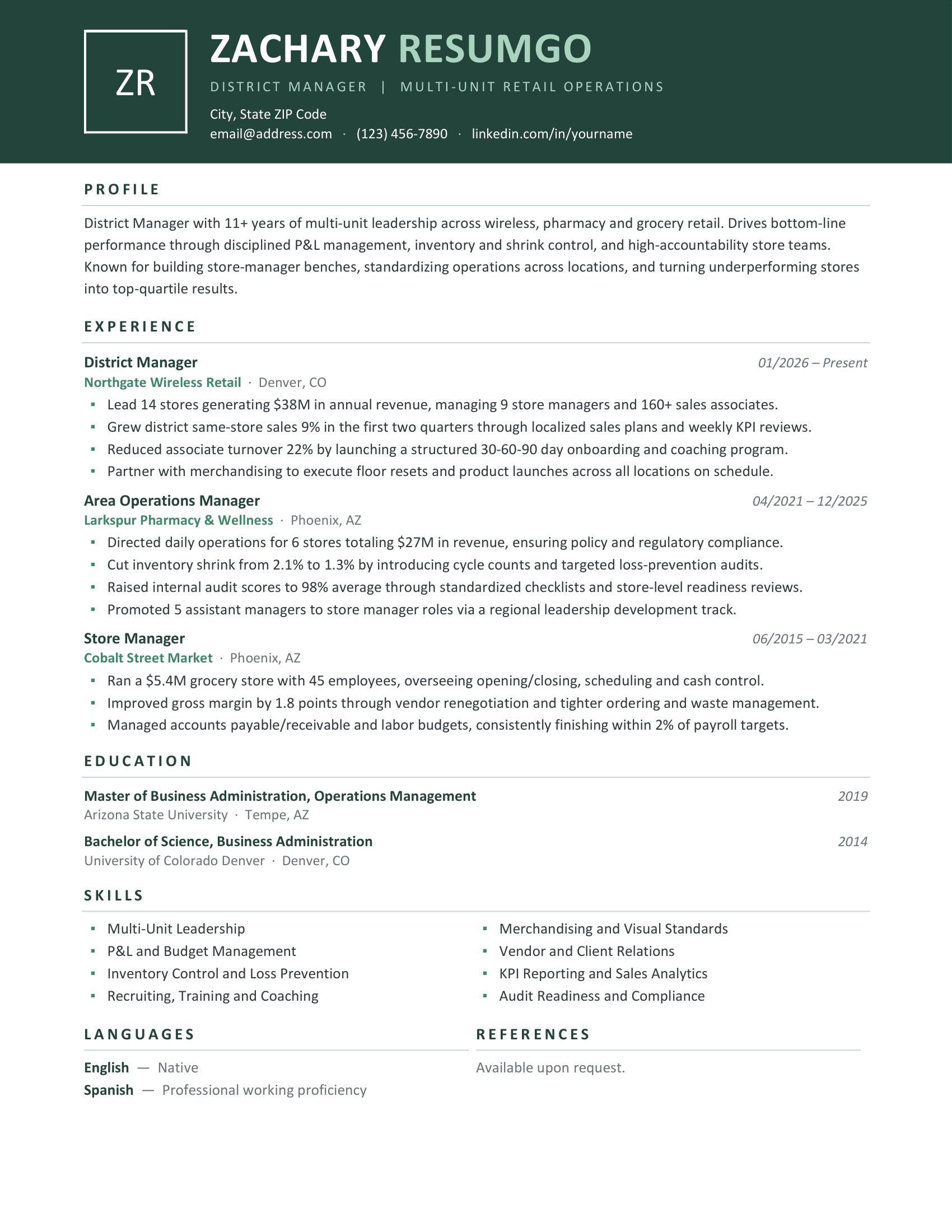
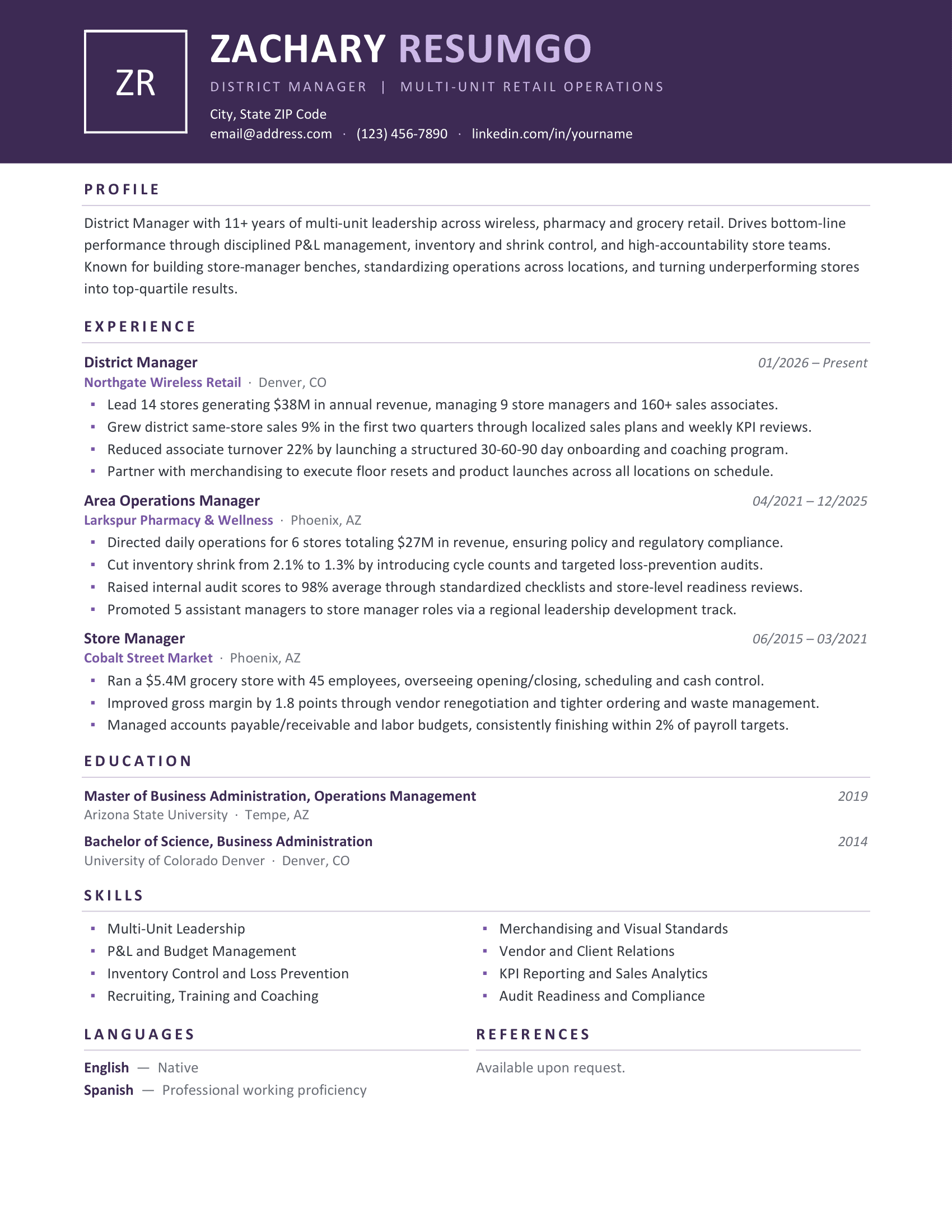
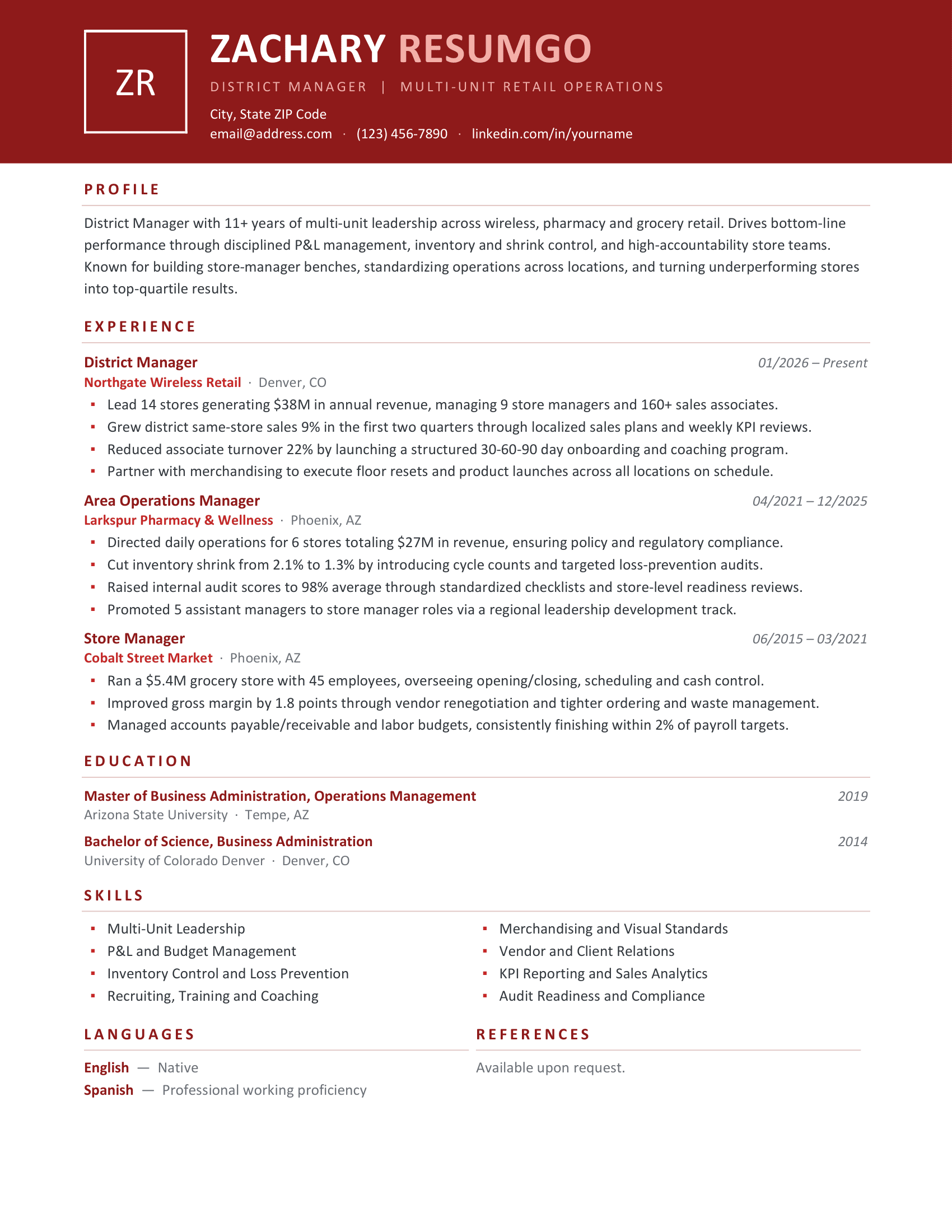
The Zanzibar Modern Banner Resume Template combines a bold, full-width header with a clean and professional layout. Its distinctive design features a framed initials box, clear section headings, and balanced spacing that makes your information easy to read. Available in five colors—Blue, Gray, Green, Purple, and Red—this one-page resume offers a fresh look for your next job application.
A Bold Header with Professional Appeal
The wide colored banner puts your name, job title, and contact details front and center. Below, the white background keeps the focus on your experience, education, and achievements. Subtle dividing lines and carefully arranged sections create a natural reading flow without making the page feel crowded.
The template also includes dedicated spaces for skills, languages, and references, with tables helping to keep everything neatly aligned. Its modern yet understated style works particularly well for managers, business professionals, and experienced job seekers who want a resume that stands out without looking overly decorative.
Easy to Edit and Personalize
Zanzibar is fully editable in Microsoft Word and Google Docs, making it easy to replace the sample text with your own information. The Calibri font keeps the design familiar and readable, while the five color options let you choose a style that suits your preferences.
Whether you’re applying for a management position or updating your professional CV, this template provides a practical starting point for presenting your qualifications clearly and confidently.
Full Preview
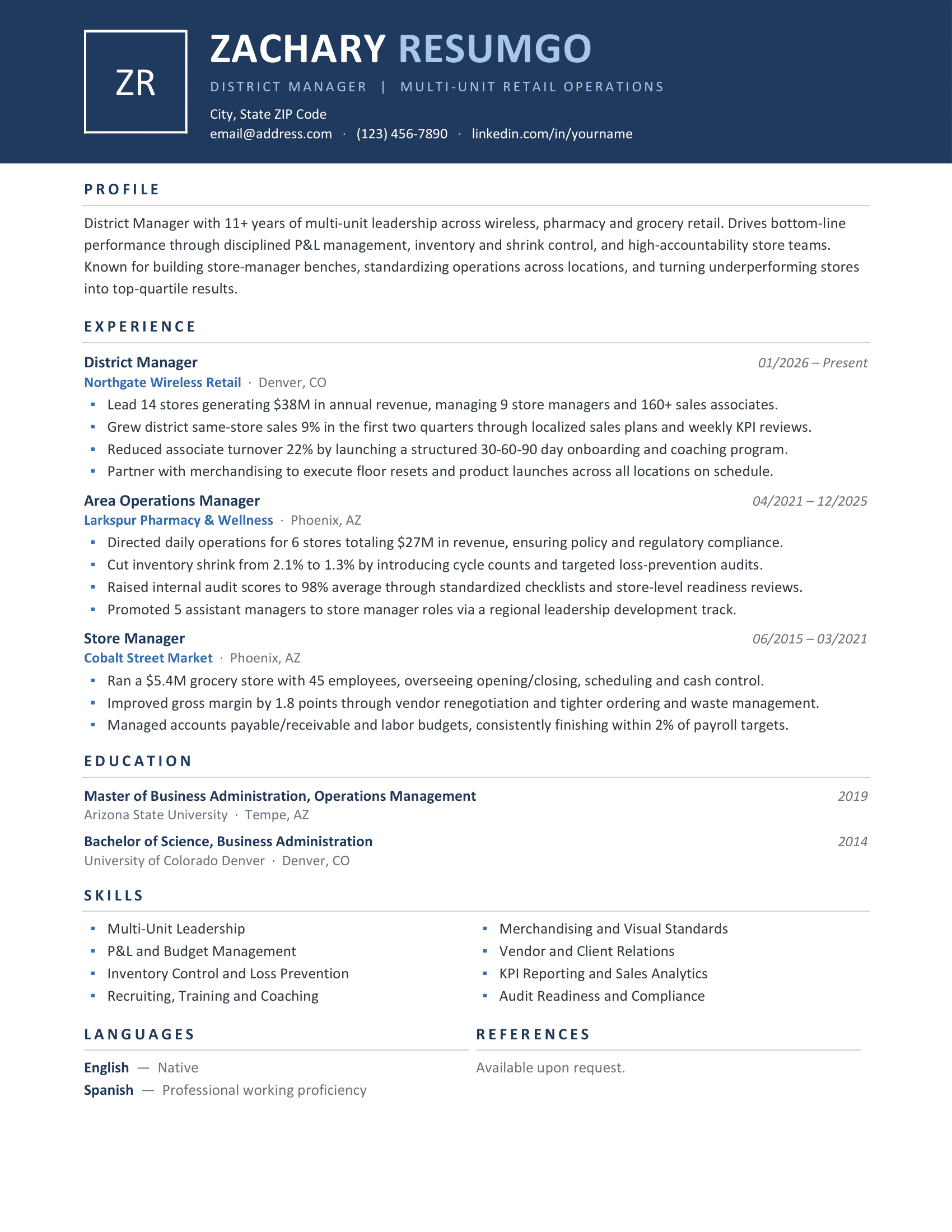
Features of this Modern Banner Resume Template
- 1-page resume/CV template with a modern, professional layout
- Bold full-width colored header with framed initials
- Tables used for clean and consistent alignment
- Fully editable text, colors, and sections
- 5 color variants: Blue, Gray, Green, Purple, and Red
- Clean typography using the Calibri font
- Dedicated sections for experience, education, skills, languages, and references
- No photo placeholder required
- Compatible with Microsoft Word (.docx) and Google Docs