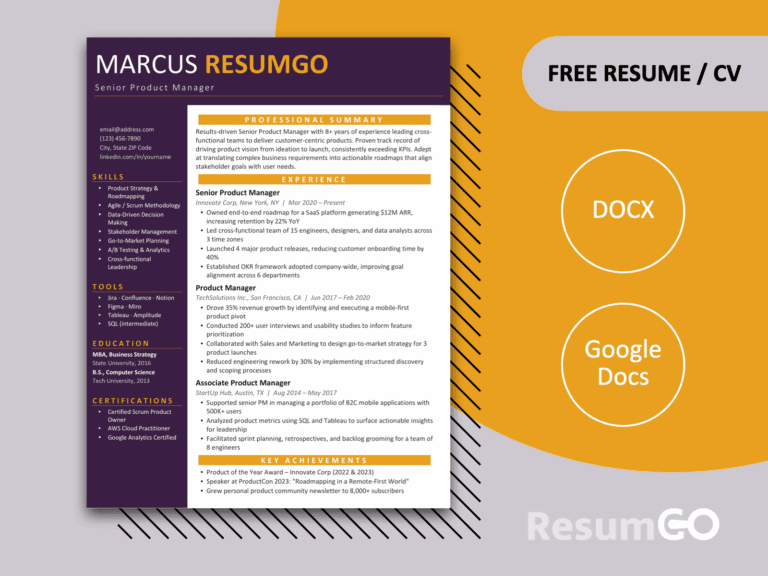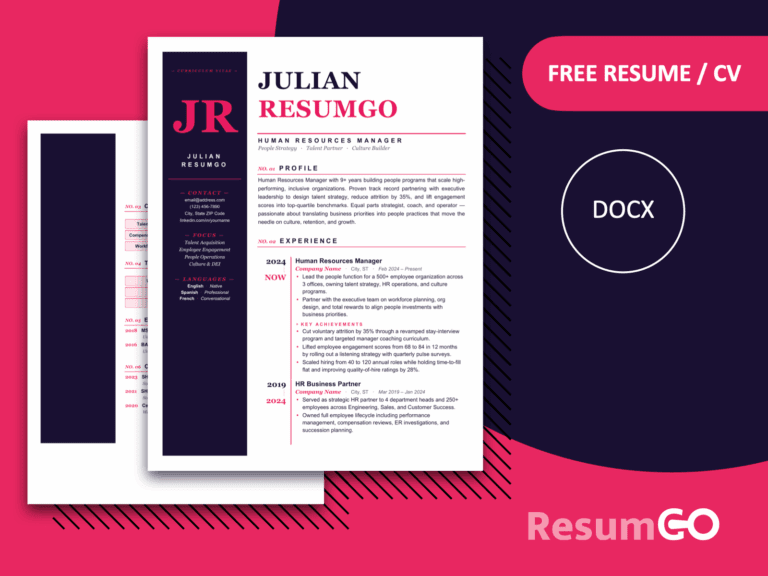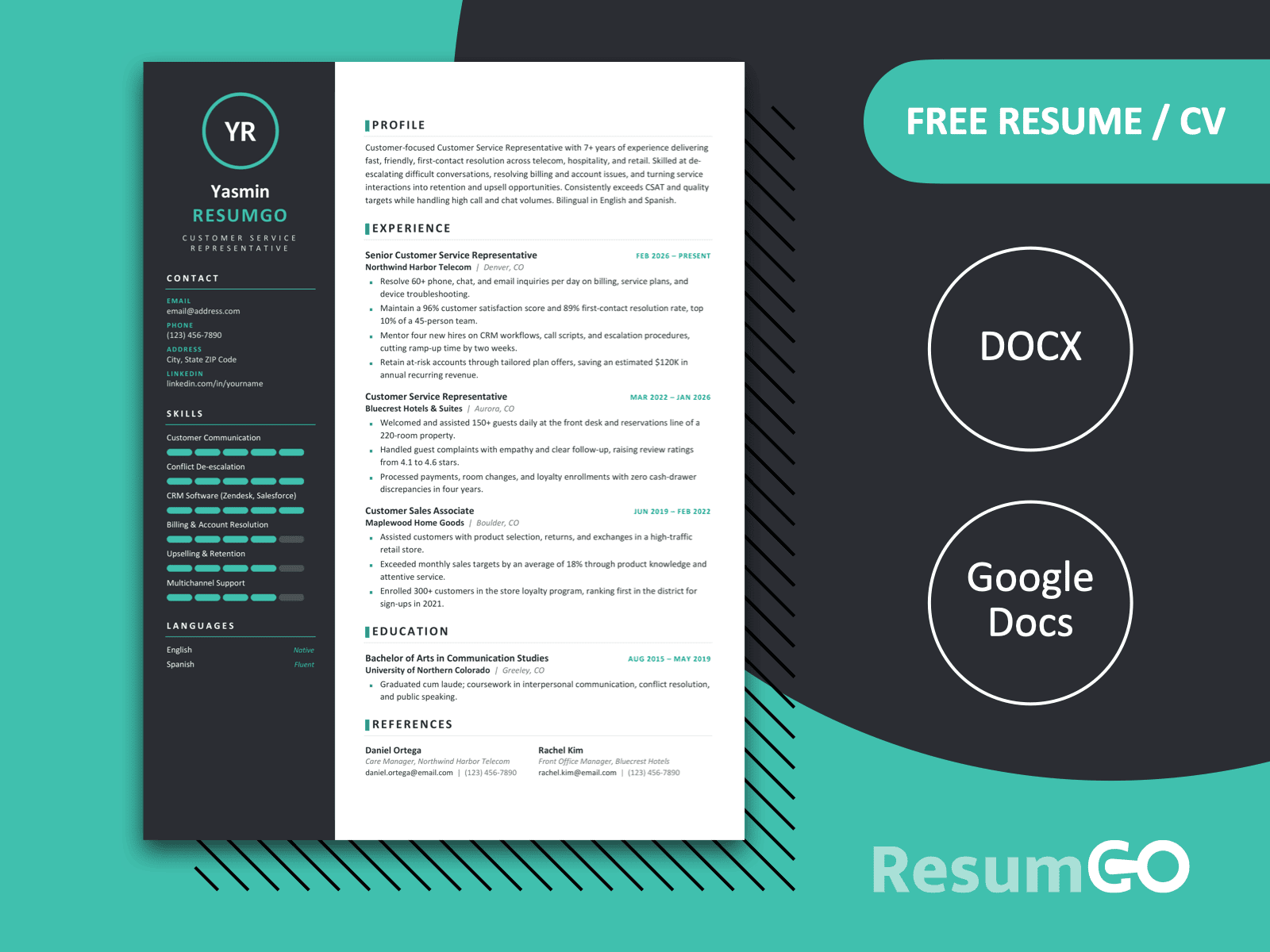
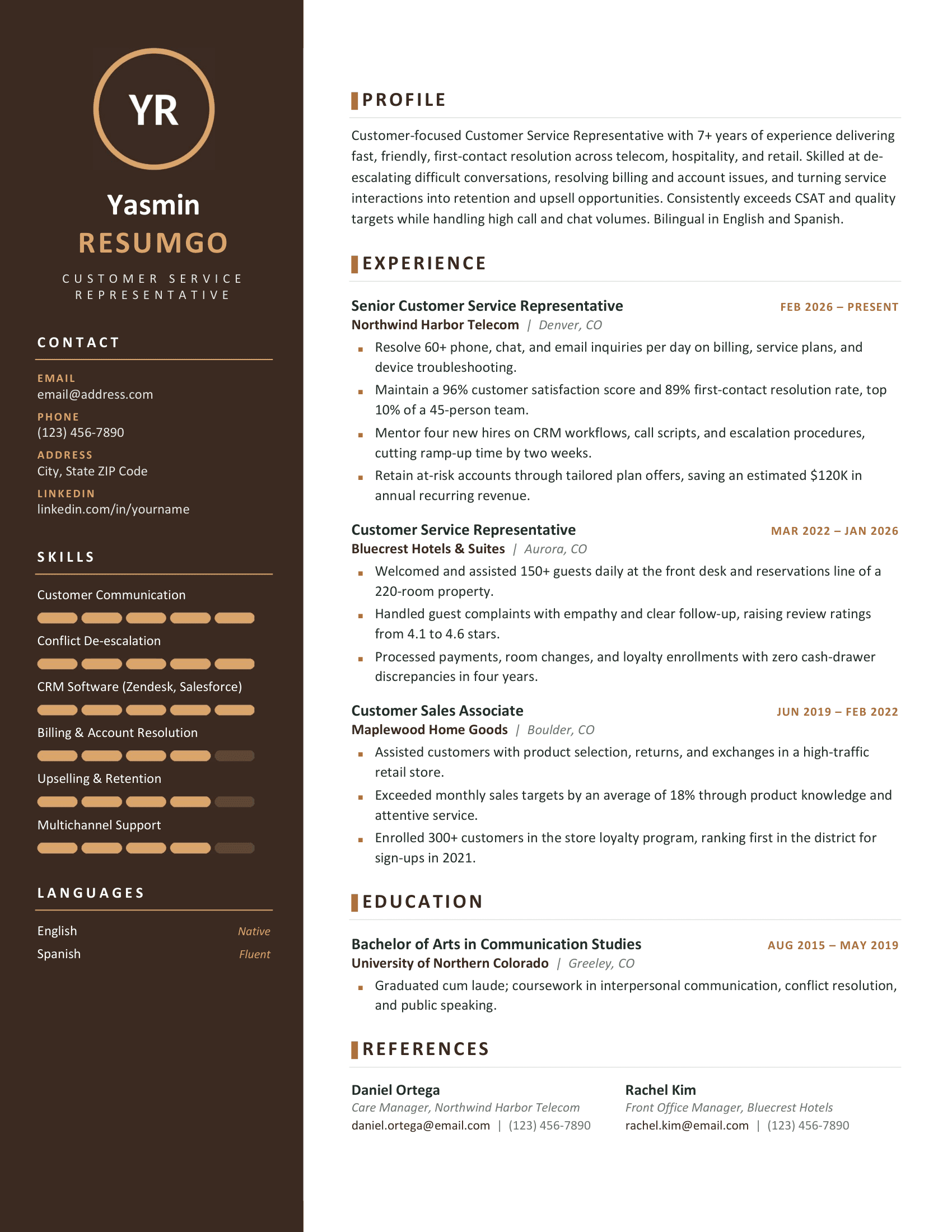
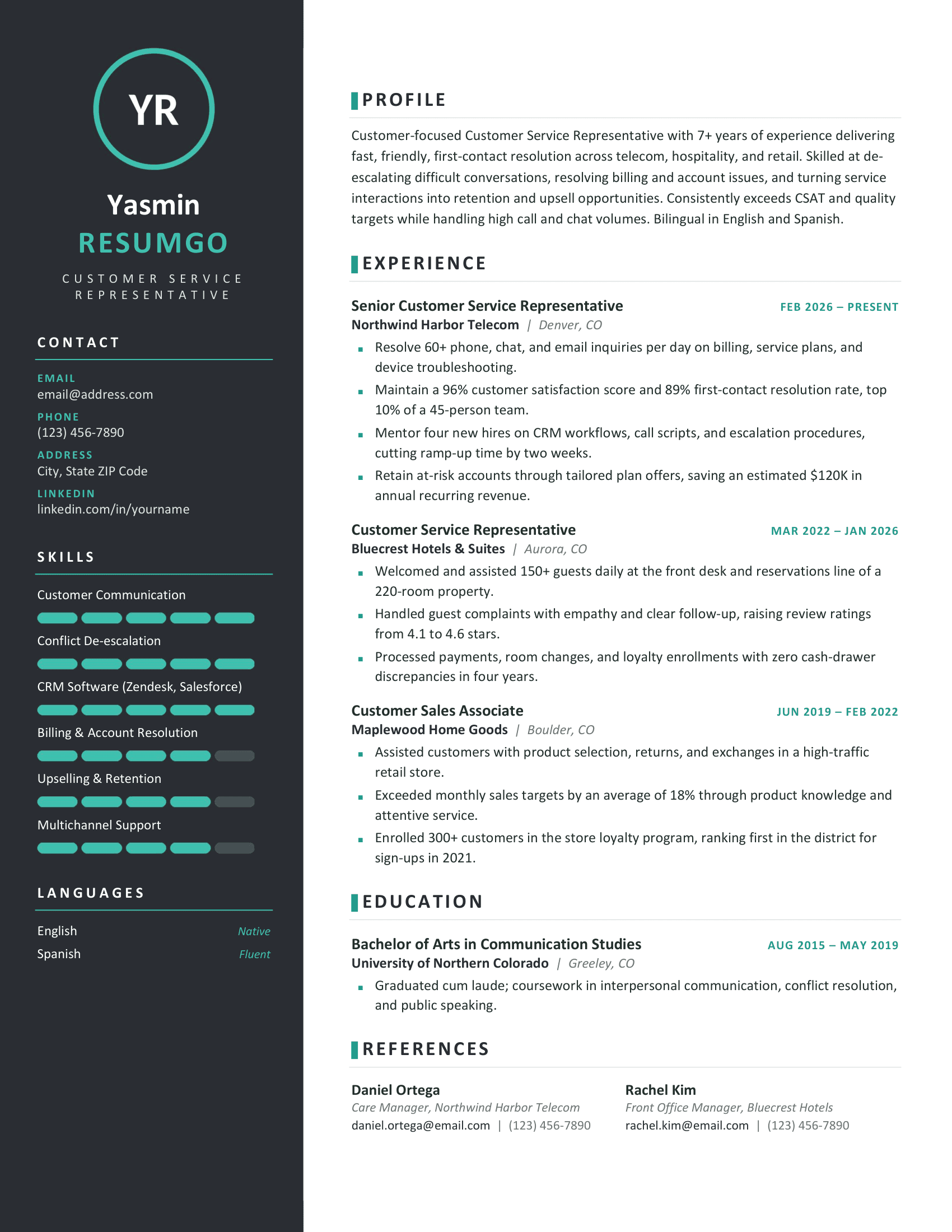
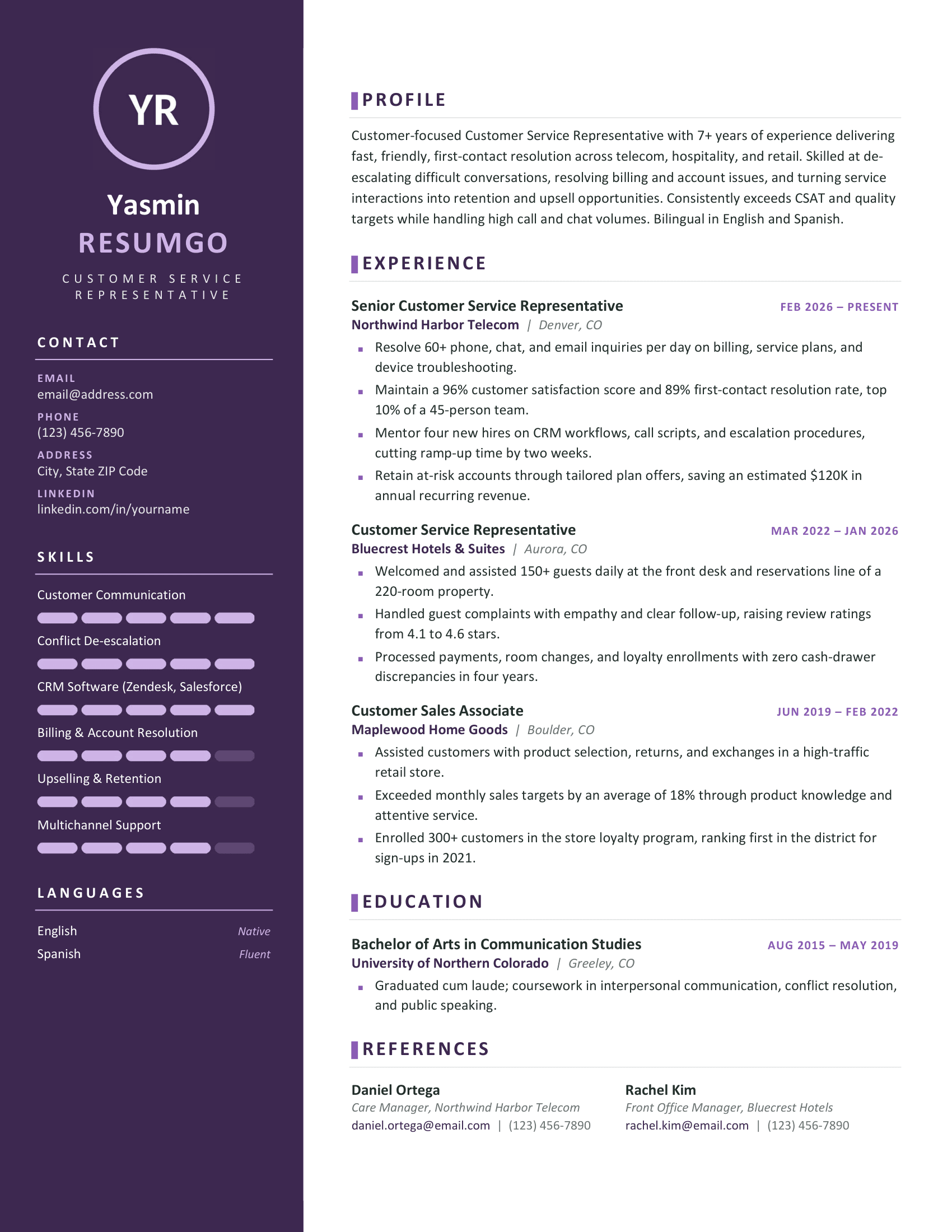
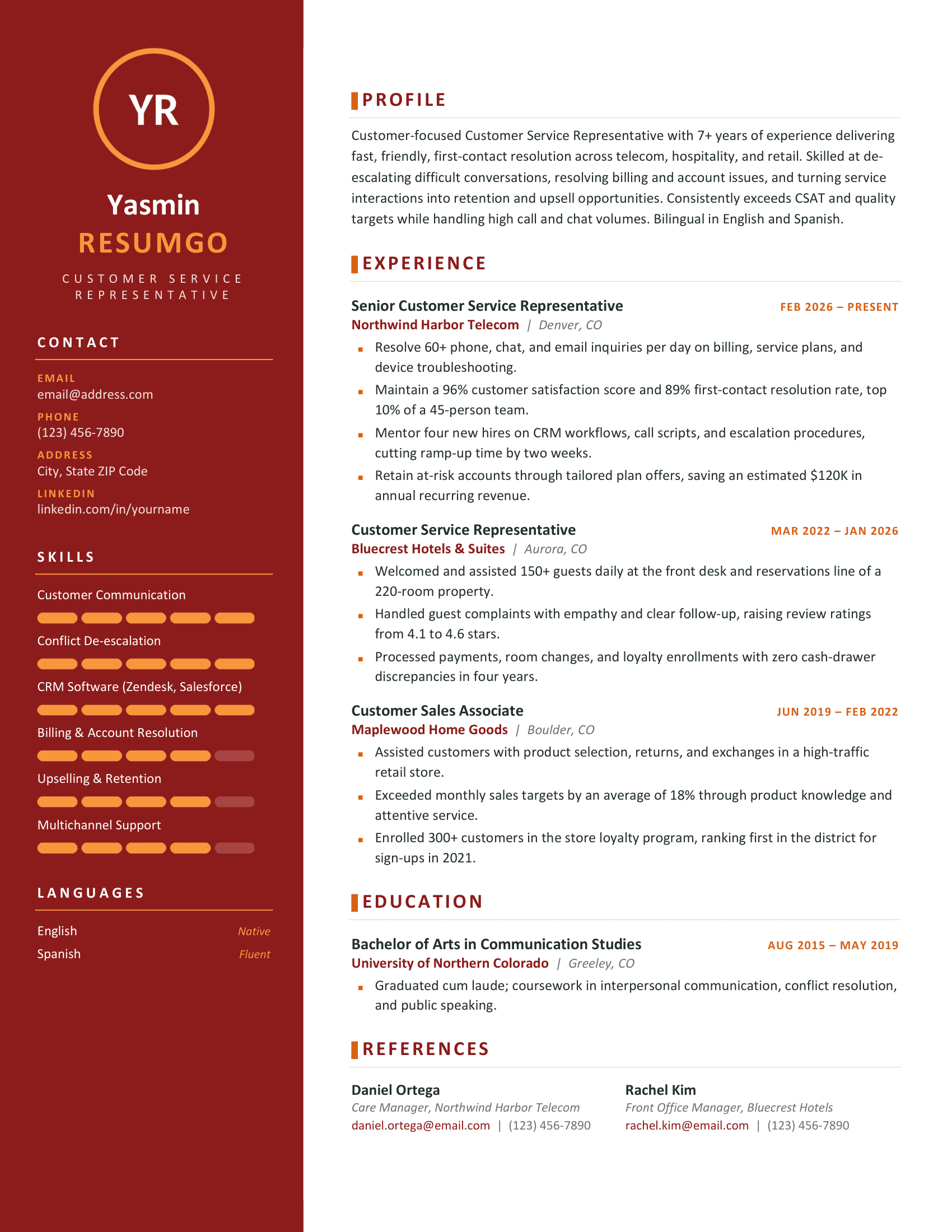
The Yakushima Modern Sidebar Resume Template combines a bold two-column design with a clean, professional layout. Its dark left sidebar highlights personal details, skills, and languages, while the white main section provides plenty of space for work experience, education, and references. Colored accents and visual skill bars give this one-page CV a distinctive look without making it feel cluttered.
Bold Sidebar with a Clean Layout
The colored left sidebar keeps contact information and key skills neatly grouped, leaving the main column focused on your professional background. Clear headings, subtle dividers, and well-spaced sections make the content easy to follow. The segmented skill bars also provide a quick visual overview of your strengths.
Yakushima comes in five color variants: Blue, Brown, Green, Purple, and Red. Each version pairs a dark background with matching accents, allowing you to choose a style that suits your preferences.
Easy to Customize for Your Next Application
This template works well for customer service, administration, sales, and other professional roles. Its organized layout is particularly useful for candidates who want to present their experience, achievements, and practical skills in a visually appealing way.
Available in Microsoft Word and Google Docs, Yakushima lets you replace the sample content with your own information. The template uses Calibri and includes a structured, table-based layout to keep the sections organized as you edit.
Full Preview
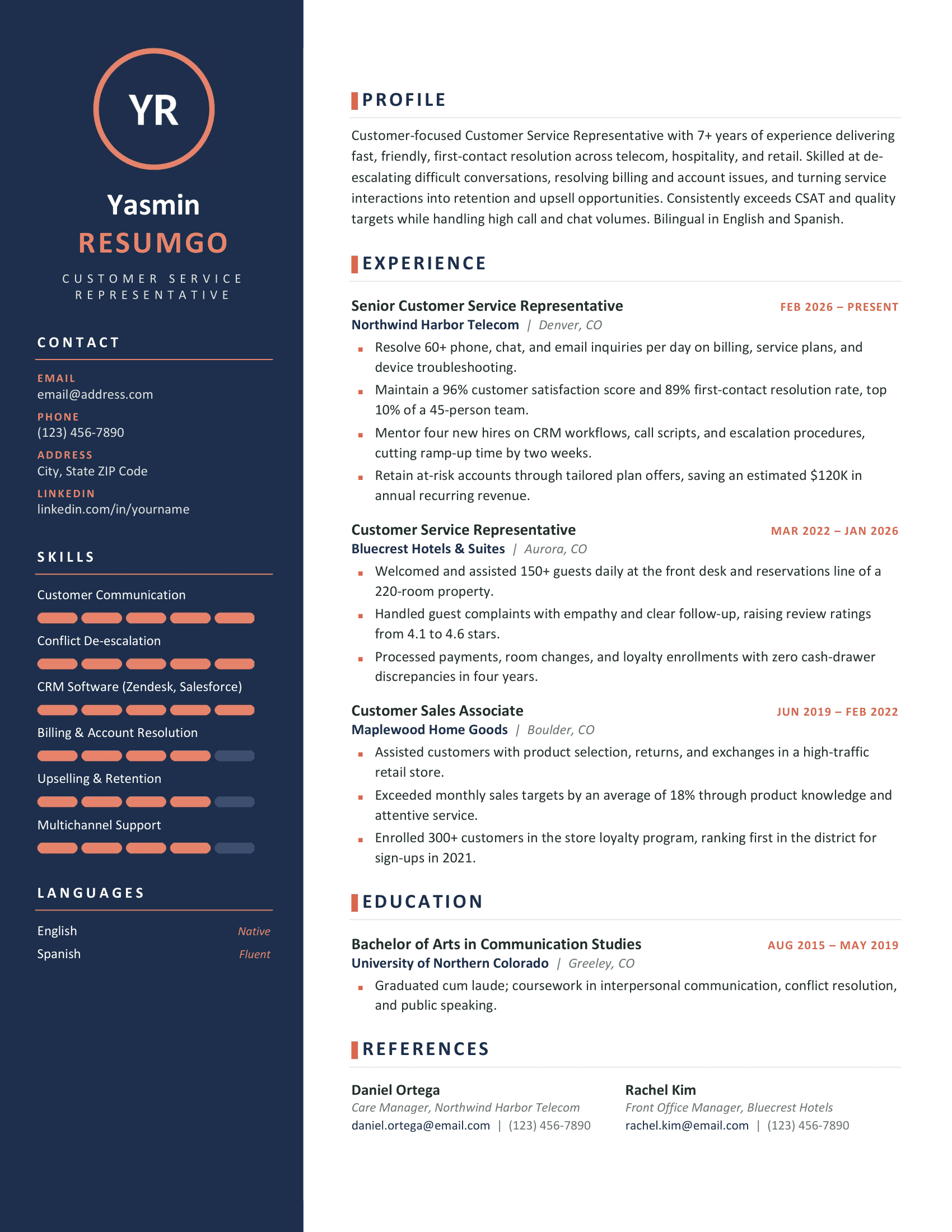
Features of the Yakushima Resume Template
- 1-page resume/CV template with a modern two-column layout
- Bold colored sidebar for contact details, skills, and languages
- Segmented skill bars for visual skill ratings
- Tables used to organize content and sections
- Five color variants: Blue, Brown, Green, Purple, and Red
- Editable text, colors, and personal information
- Clean typography using Calibri
- Dedicated sections for profile, experience, education, and references
- No photo placeholder required
- Compatible with Microsoft Word (.docx) and Google Docs