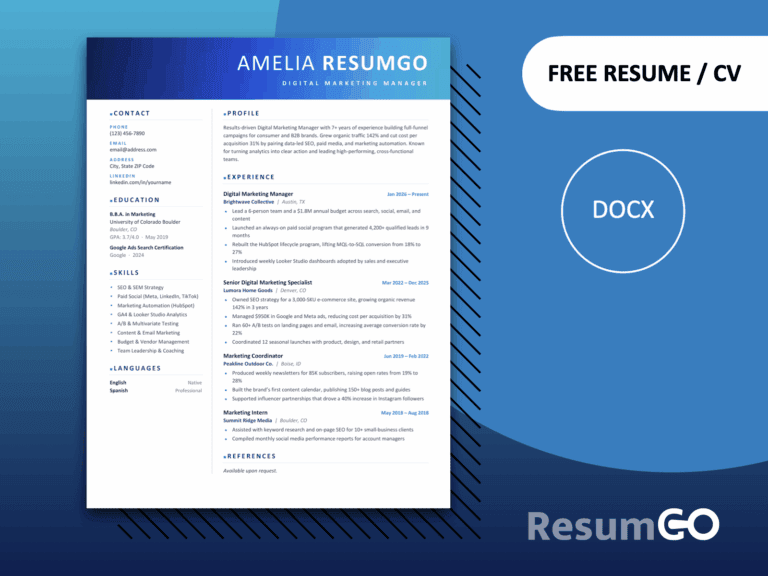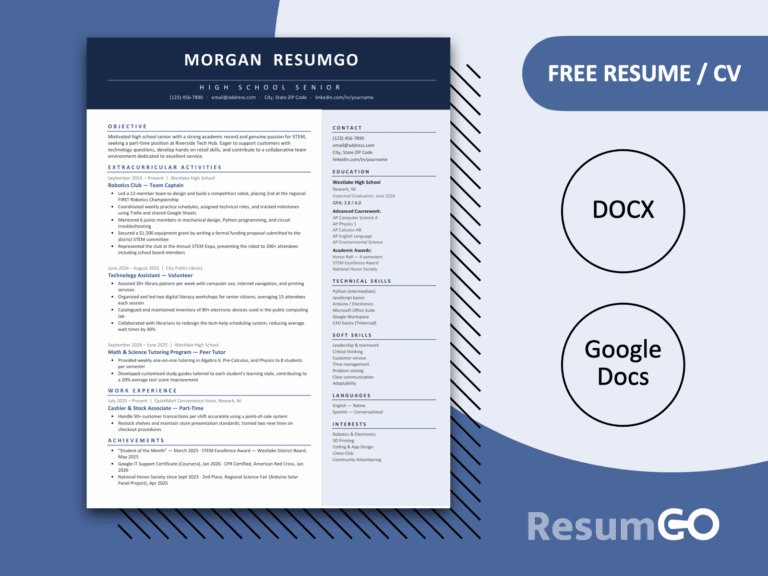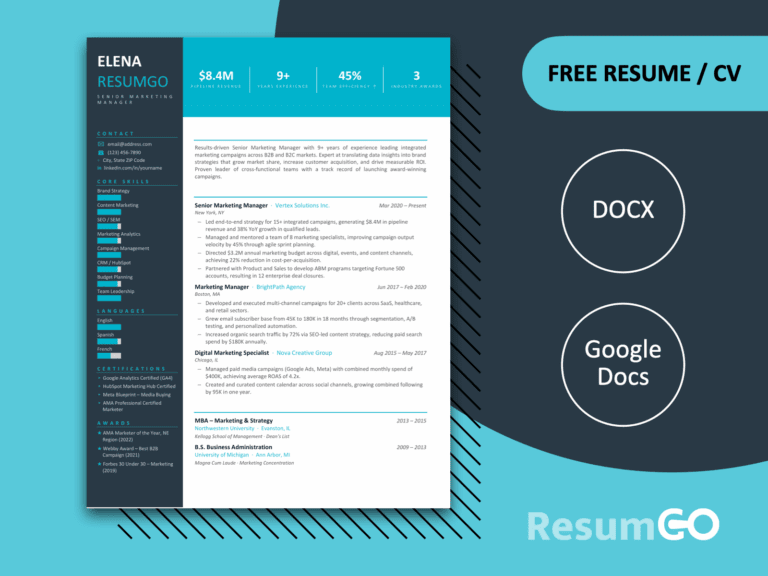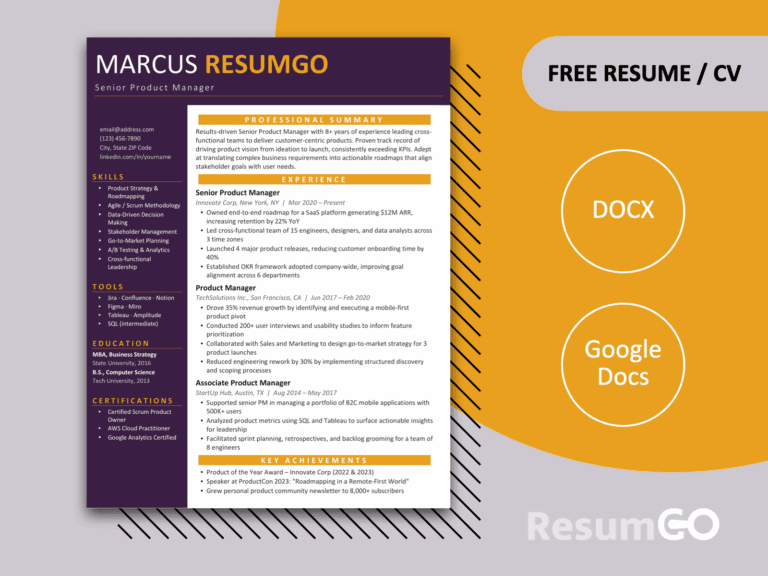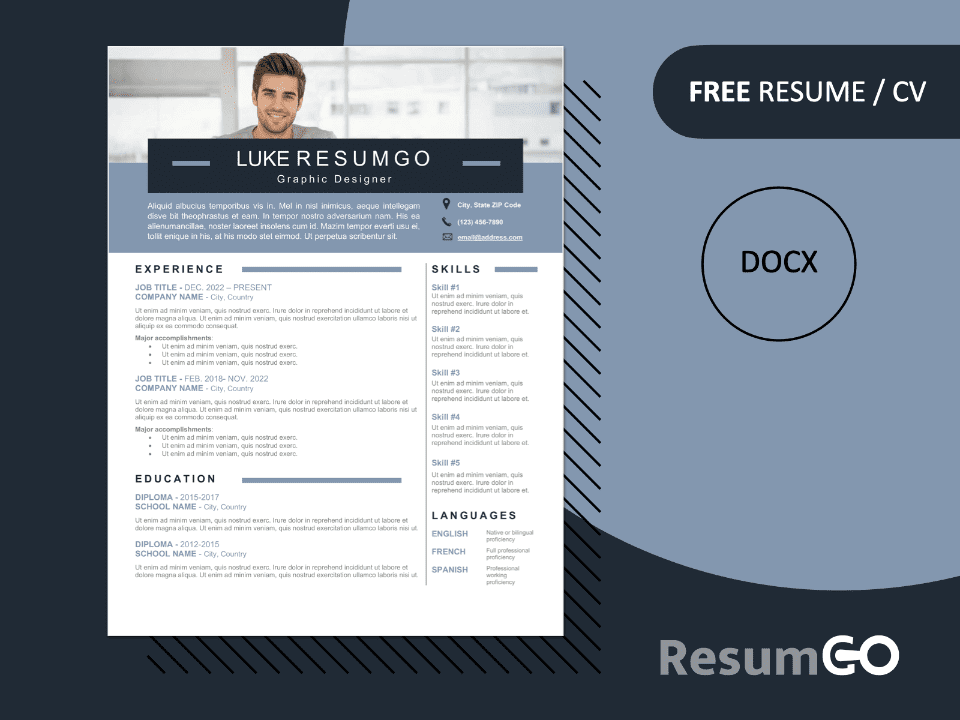
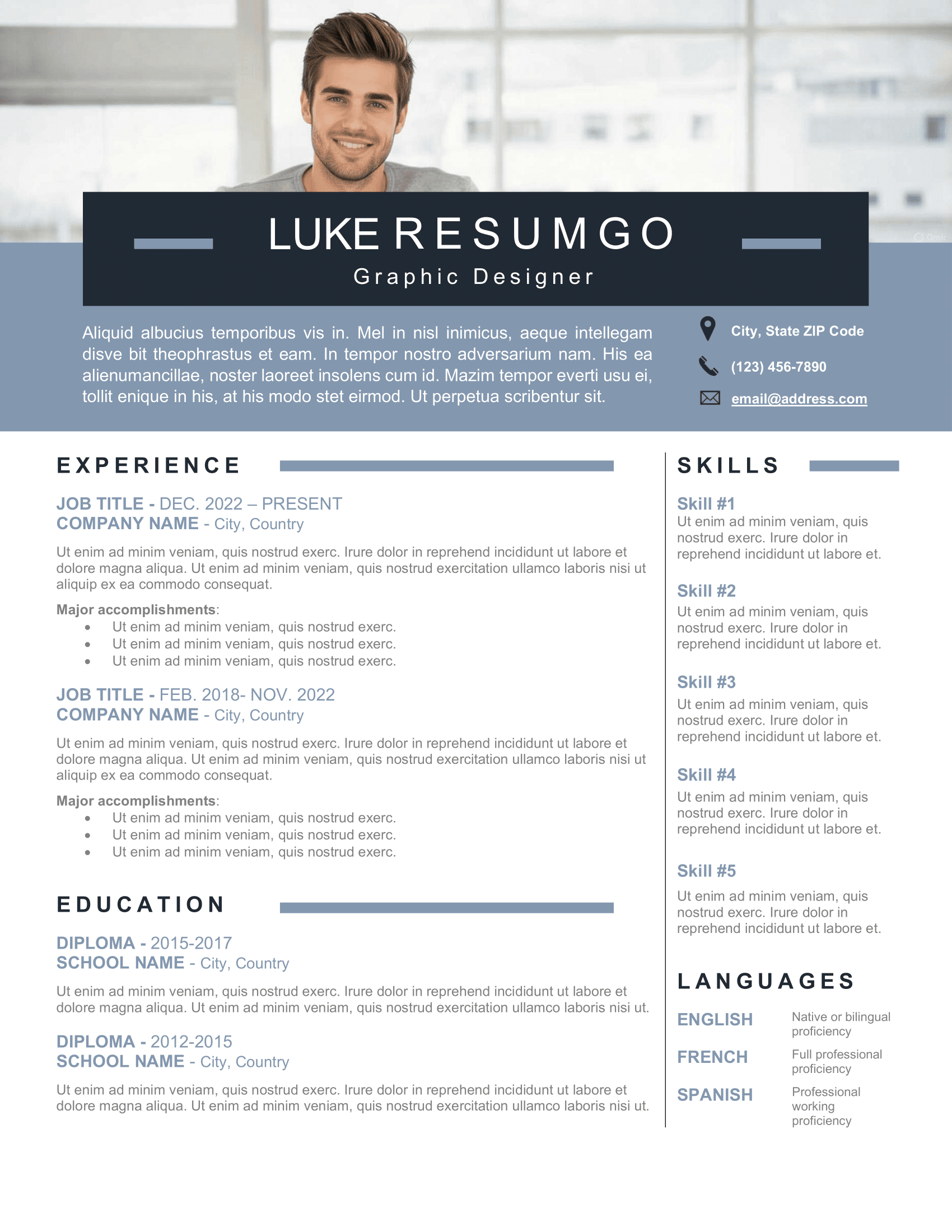
The CHONGTAR Resume Template brings a striking and professional design with a unique full-width banner at the top. This bold element is perfect for displaying your ID photo and making your application stand out right from the start. Beneath the photo banner, another wide blue and gray section provides space for your profile or career objectives, giving your resume a modern, memorable look.
Modern Resume Design with Photo Option
Designed with a clean two-column structure, CHONGTAR balances content effectively. The left side highlights your professional experience and education, while the right side is dedicated to skills and language proficiency. This ensures your information is clearly organized and easy for recruiters to scan quickly. The banner photo option can be replaced with a colored block for those who prefer not to use a picture.
The template is built entirely in Microsoft Word, using tables instead of text boxes. This makes customization smooth, with perfectly aligned text and hassle-free formatting. It also uses Text Content Control fields in Word, meaning you can simply click and edit sections without disrupting the layout.
CHONGTAR is available in US Letter format and can be used for single-page or multi-page resumes. The typography is clean and modern, ensuring readability across print and digital formats. With its editable Word, you can fully personalize the design to suit your professional background.
This template is a great choice for candidates across industries who want a distinctive resume without unnecessary complexity. Whether you are an experienced professional or preparing your first resume, CHONGTAR provides an organized structure and a modern design.
Download the CHONGTAR Resume Template today, edit it in just a few clicks, and export to PDF. With its bold banner and customizable layout, it’s the perfect way to make your application stand out—completely free.
Full preview:
Features of this Banner Photo Resume Template:
-
- 1-page resume/CV template
- Fully layered – all elements are separated
- Fully editable – easy customization
- Free font(s) used
- US Letter size (8.5 in x 11 in)
- Optimized for the main word processors: Microsoft Word.
- Instant Download – 1 .ZIP file (.DOCX)
Free font(s) used:
- Calibri